
iPhone and iPad app · Photo & Video
AR Camera
Add 3D text, emojis and effects to the real world, then shoot a video.
AR Camera uses augmented reality to drop 3D text, emojis and objects into the space around you, with floating bokeh, falling snow and other effects, so you can film a scene and share it. It's free, with optional in-app purchases.

Screenshots
AR Camera in use

What it does
Simple, and does the one job well
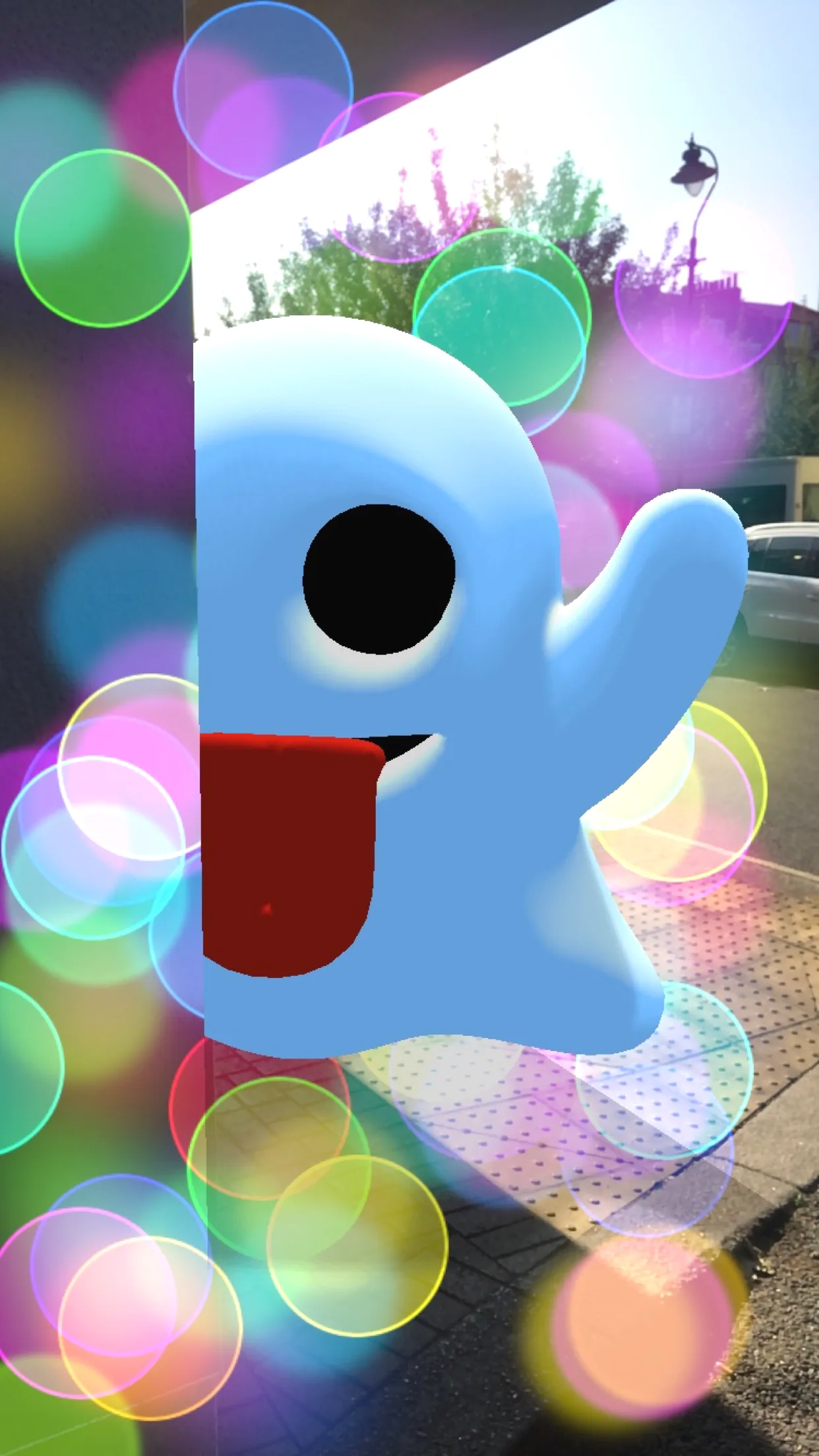
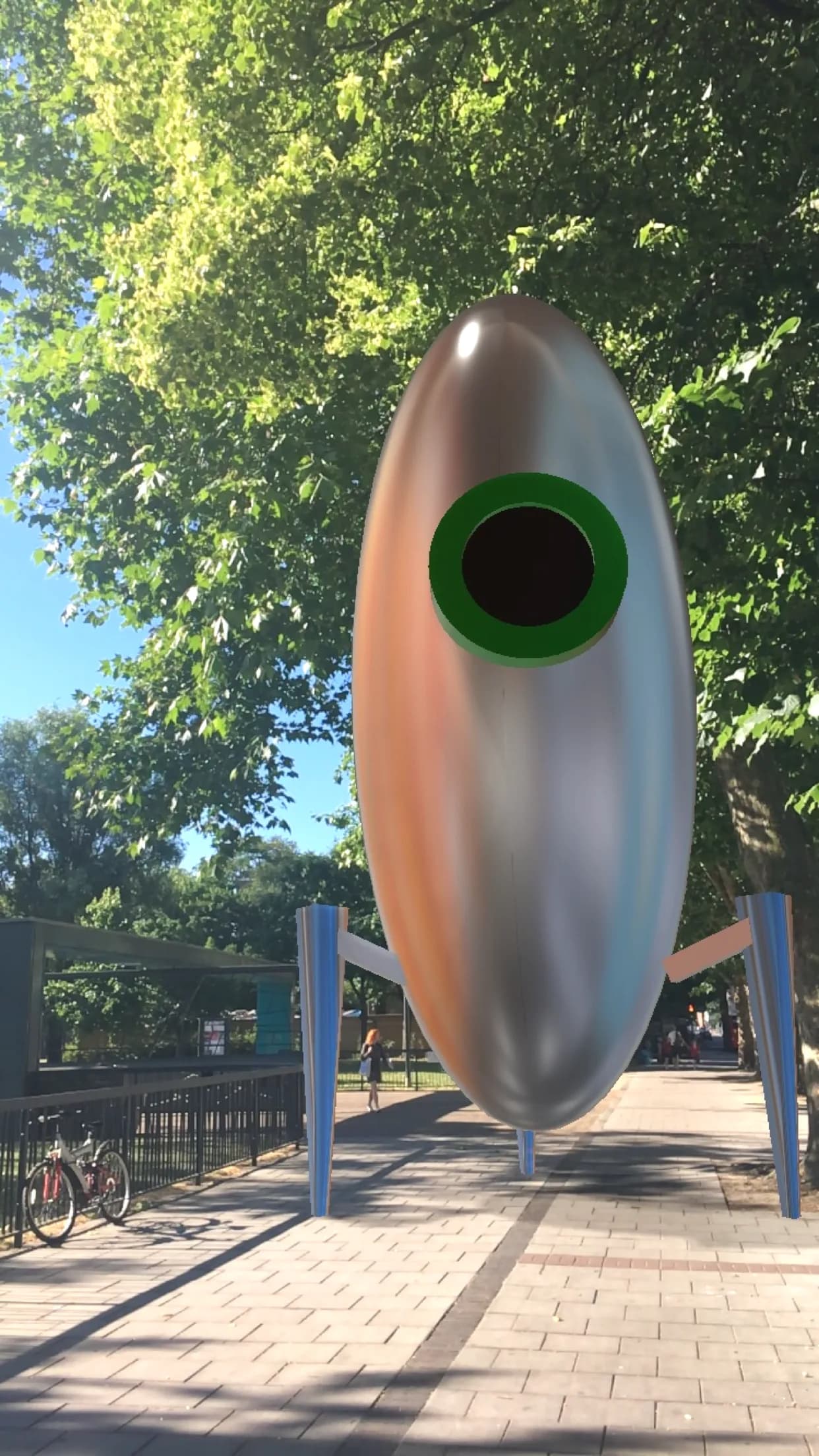
3D text, emojis and objects
Pick one, place it on a detected surface, then rotate, move and resize it with simple gestures.
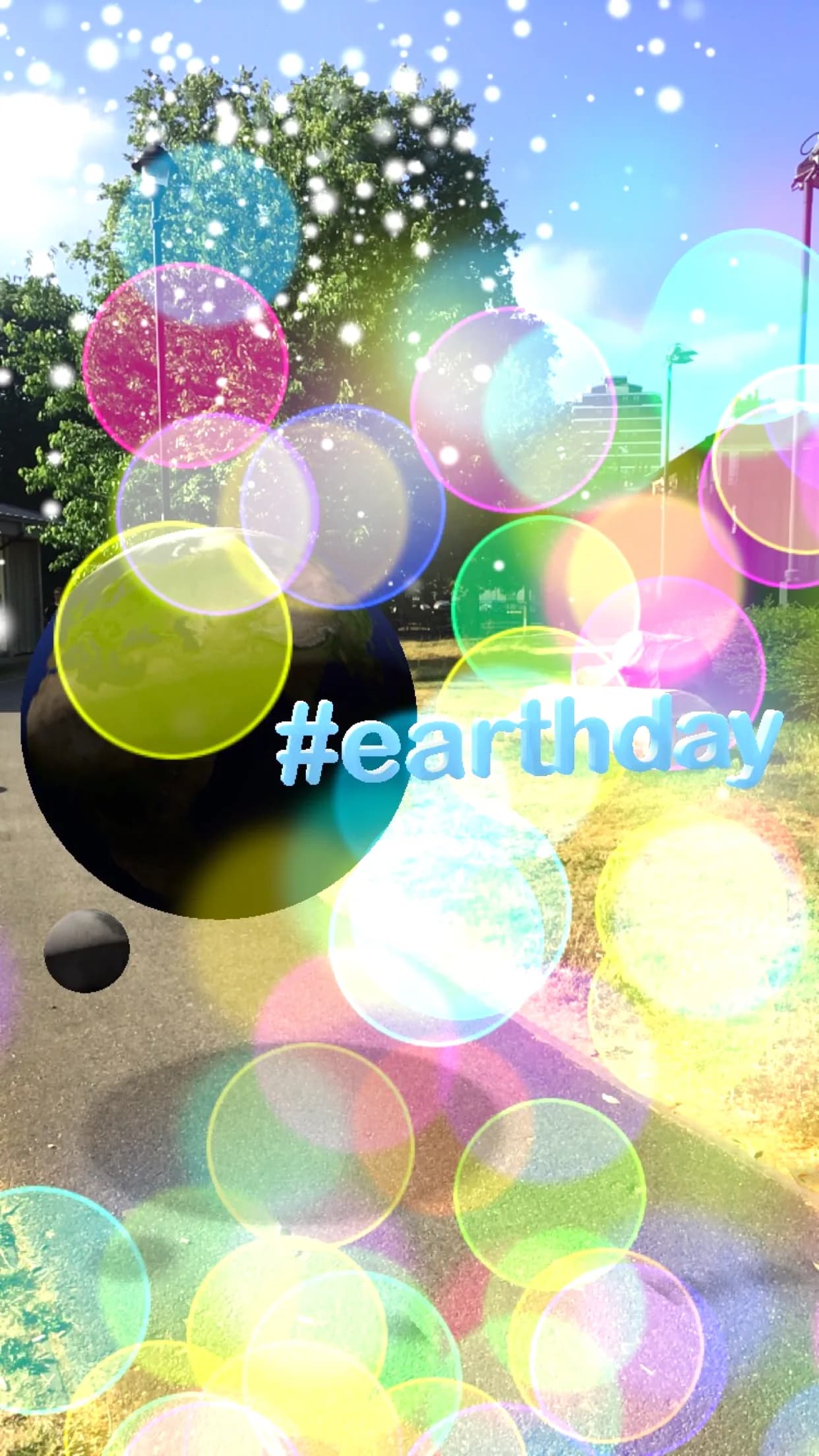
Effects
Add floating bokeh, falling snow and more to your scene before you shoot.
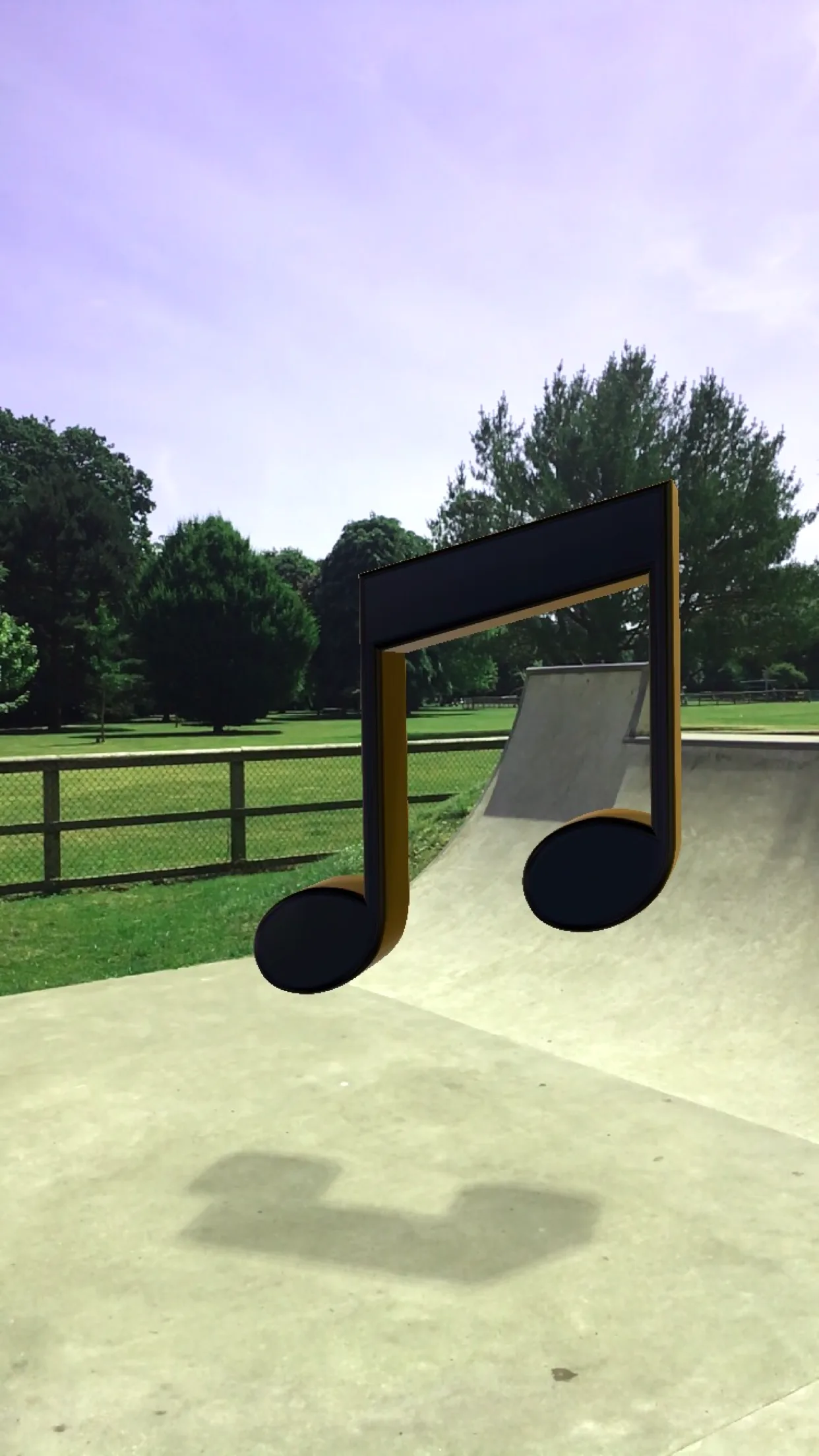
Realistic shadows
The app scans your surroundings so virtual objects cast shadows onto the real floor.
Hidden behind real surfaces
Objects disappear behind flat surfaces the app detects, which makes them feel part of the scene.
Tips for the best result
- Scan the floor for a few seconds so the app can understand the space.
- Tap + to add an object, drag to rotate it, and pinch to scale it.
- Make sure there's enough light.