
Start with one photo
ClusterSwipe keeps the decision small, so cleanup feels like progress instead of a second inbox.
Swipe to delete photos on iPhone
ClusterSwipe is for the first pass: the screenshots, duplicates, blurry photos, repeats, and old almosts you meant to clear months ago.
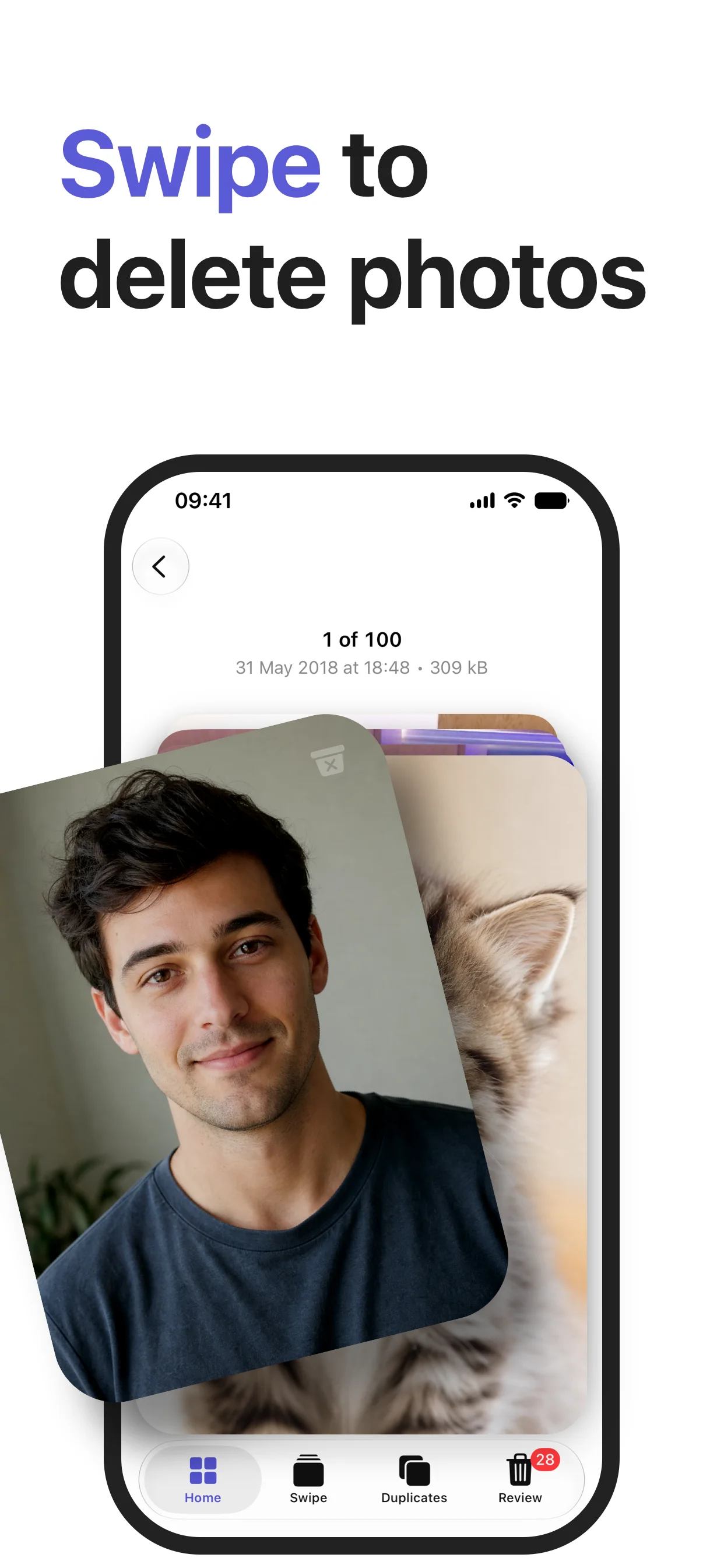
A calmer deletion flow
ClusterSwipe keeps the decision small, so cleanup feels like progress instead of a second inbox.
Move quickly through obvious choices and spend your attention where it actually matters.
Check the set queued for deletion before taking final action in Photos.
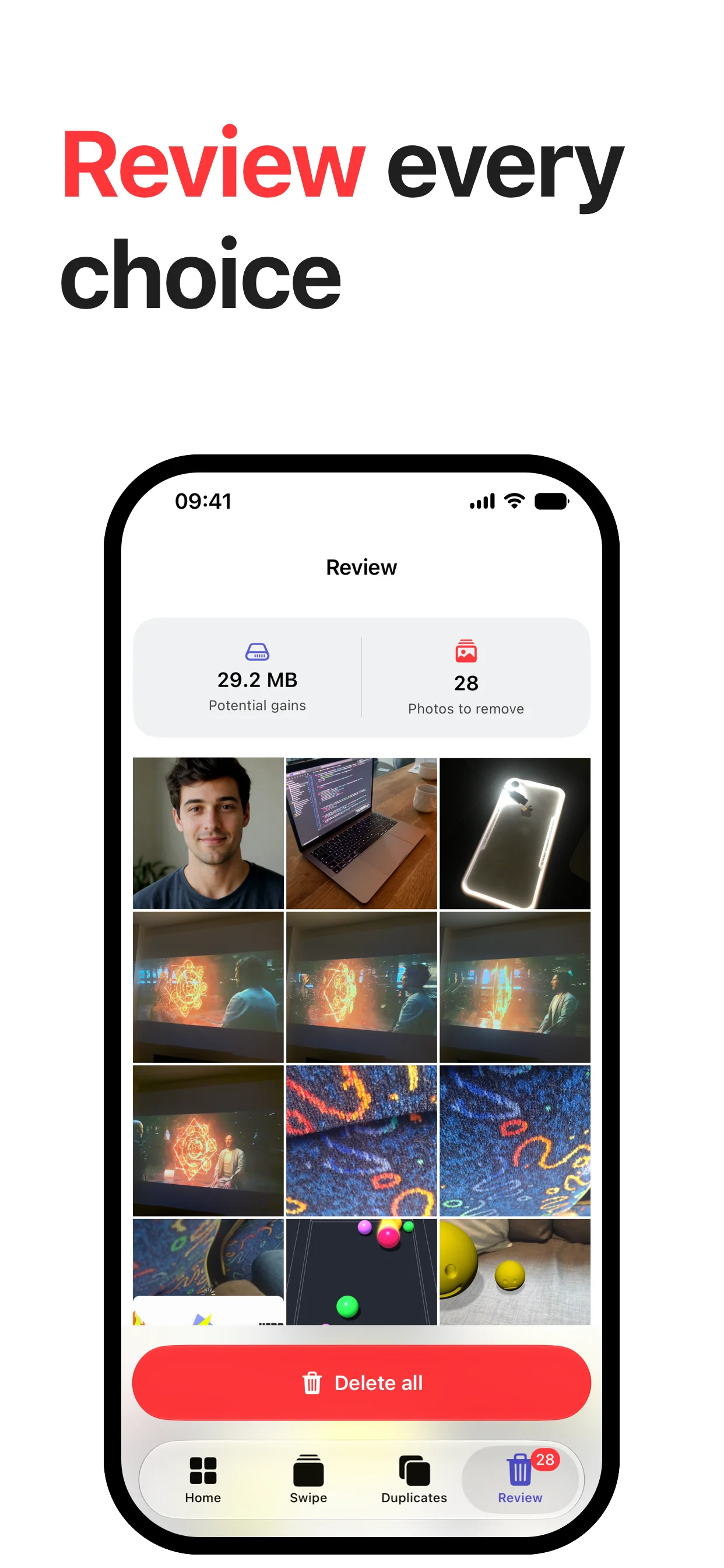
Review every choice
The review screen keeps the proposed removals visible, including the space you expect to recover, before the final cleanup step.